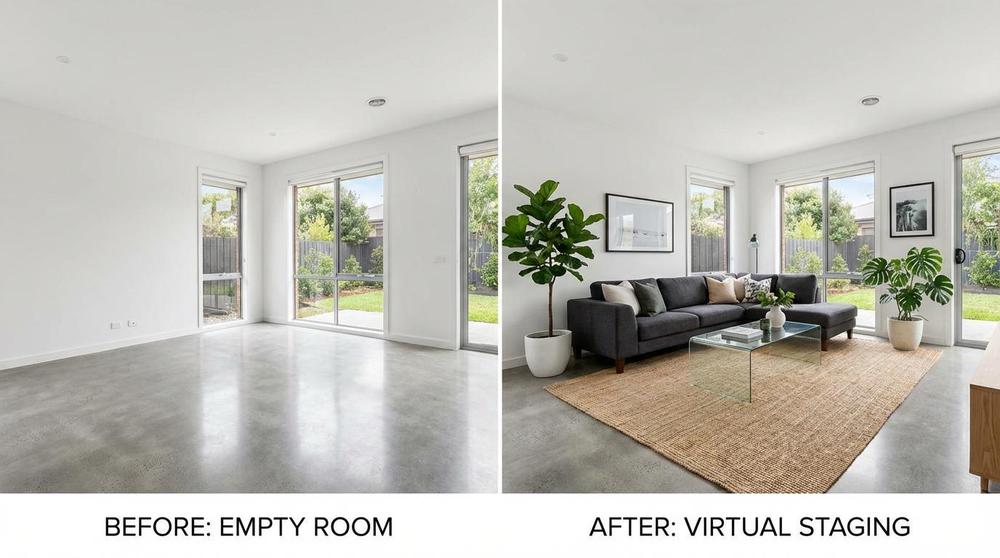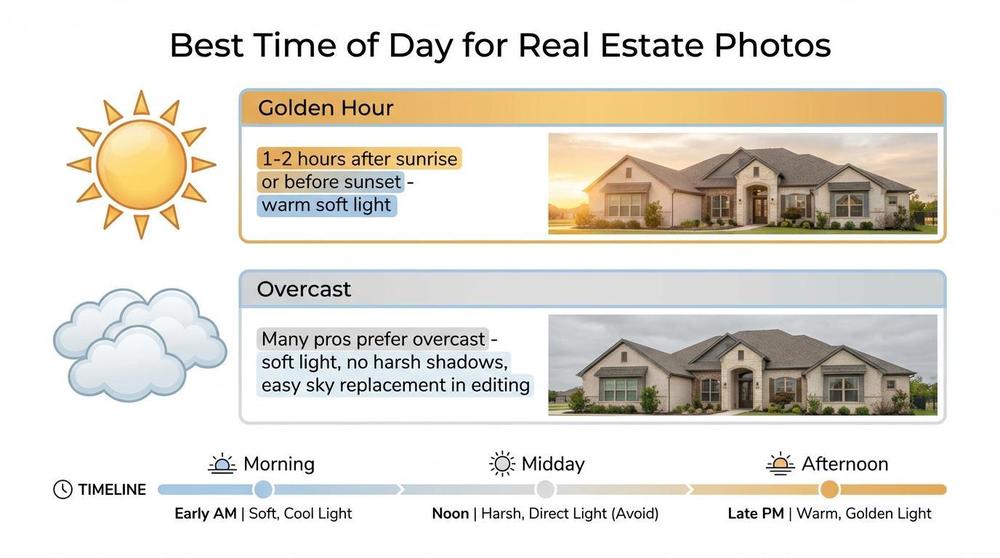
Quick Answer
Great virtual staging starts with a clear prompt. This tool helps you choose the room, pick a design style (Modern, Scandinavian, Coastal, and more), and add room-specific constraints—then copies a polished prompt you can paste into your AI staging software.
Virtual Staging Prompt Builder
Pick a room, choose a style, add constraints, then copy the prompt for your AI staging tool.
Step 1 — Room
Bedroom
Bonus Room
Step 2 — Style
Step 3 — Constraints
Options update based on the room you selected.
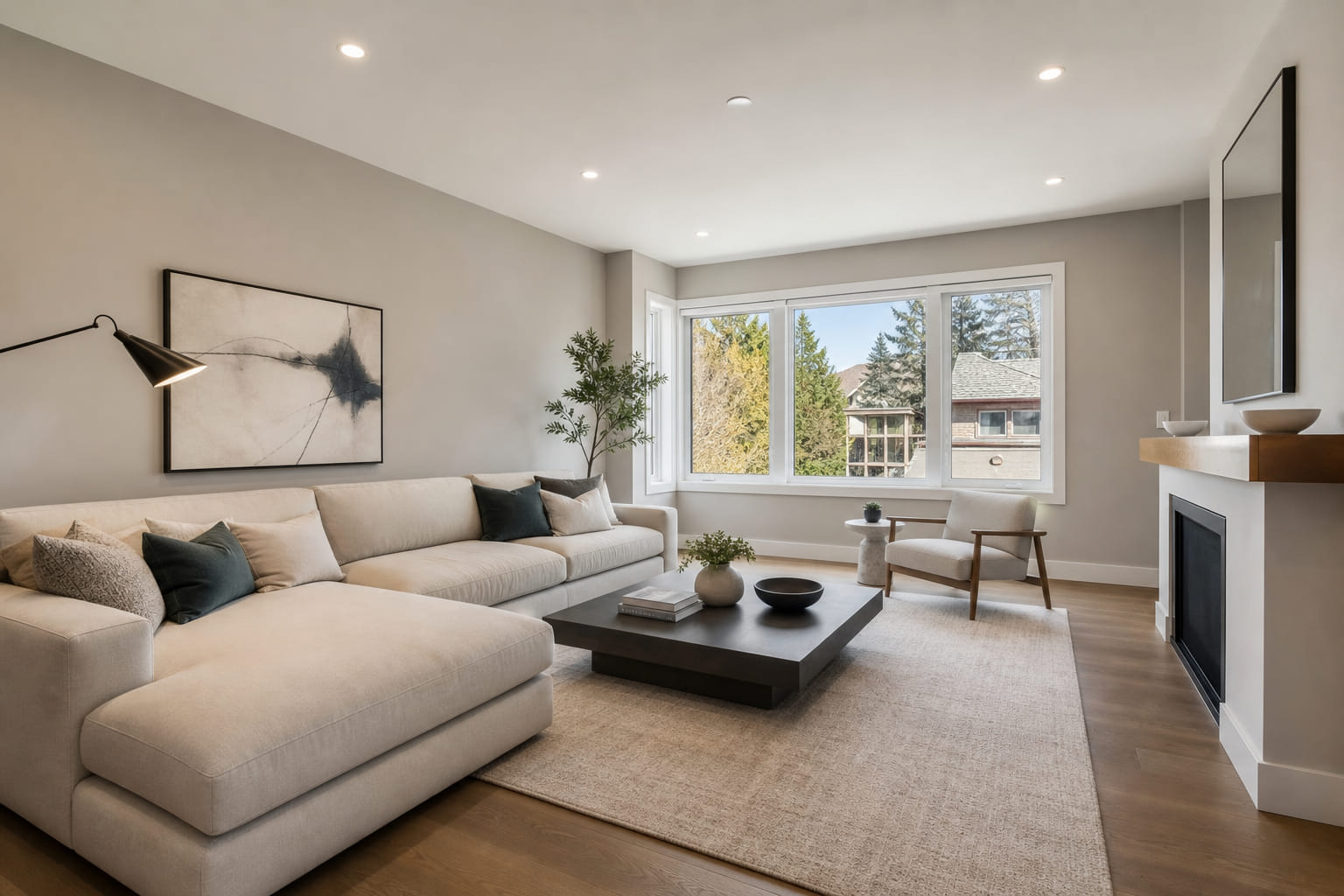
Living Room · Modern
Preview shows a virtually staged example matching your room, style, and constraints.
Your prompt
Copied to clipboard.