Quick Answer: More VRBO bookings come from better photos, faster responses, competitive pricing, and strong reviews. VRBO’s search algorithm rewards hosts who respond quickly, maintain high ratings, enable Instant Book, and keep their calendar and pricing up to date. Most hosts miss easy optimizations like accurate amenity tags, seasonal pricing, and earning Premier Host status.
How VRBO’s Search Algorithm Works
VRBO doesn’t publish its exact ranking formula. But based on what we know and what top-performing hosts report, these factors matter most:
- Response time and rate — Reply within 1 hour. Accept or decline quickly.
- Review score — Higher ratings rank higher. Simple.
- Photo quality and count — Professional, well-lit photos get more clicks.
- Pricing competitiveness — Overpriced listings get pushed down.
- Booking acceptance rate — Declining bookings hurts your rank.
- Cancellation rate — Canceling on guests tanks your visibility.
- Premier Host status — VRBO’s version of Superhost. Earns a badge and ranking boost.
- Calendar accuracy — Blocked dates and stale calendars signal an inactive listing.
You can’t control all of these equally. But the ones you can control — photos, pricing, response time, and guest experience — have the biggest impact.
1. Upgrade Your Photos
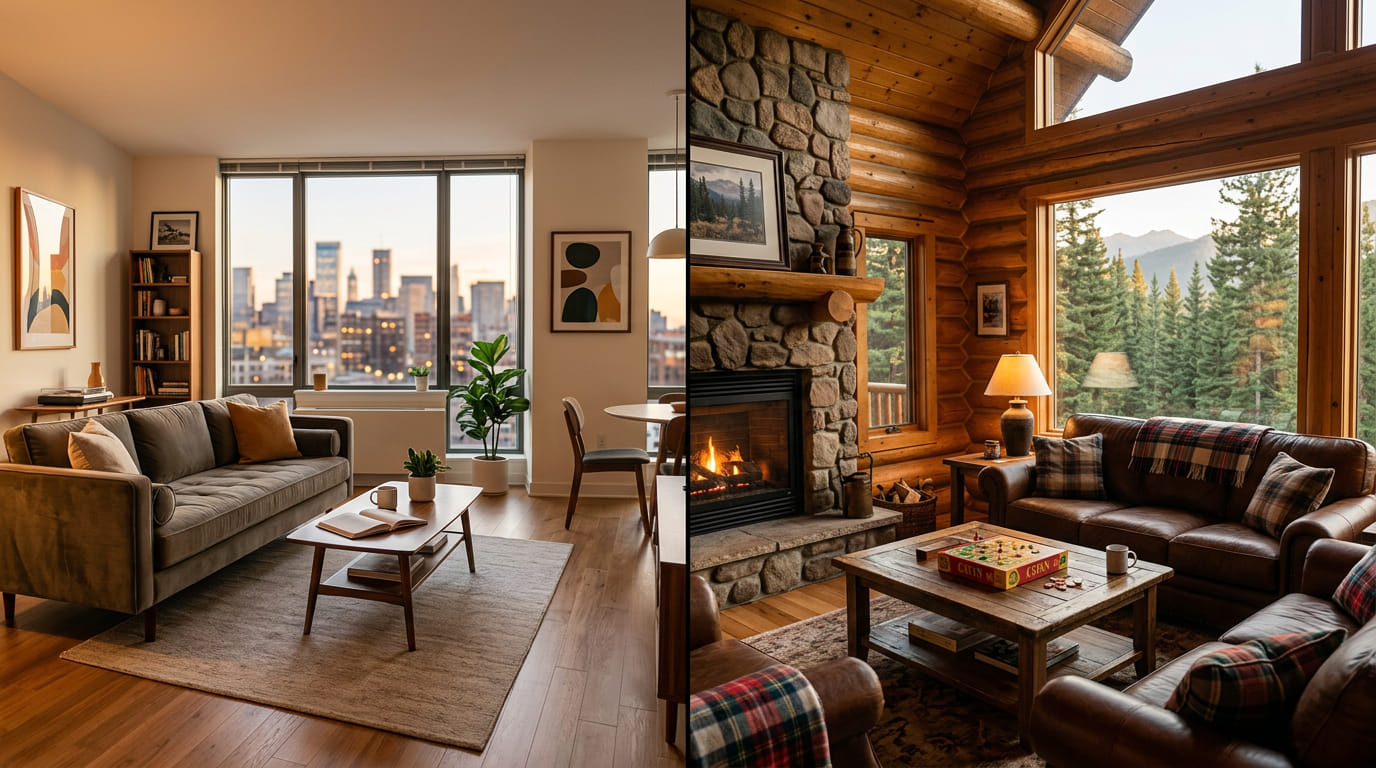
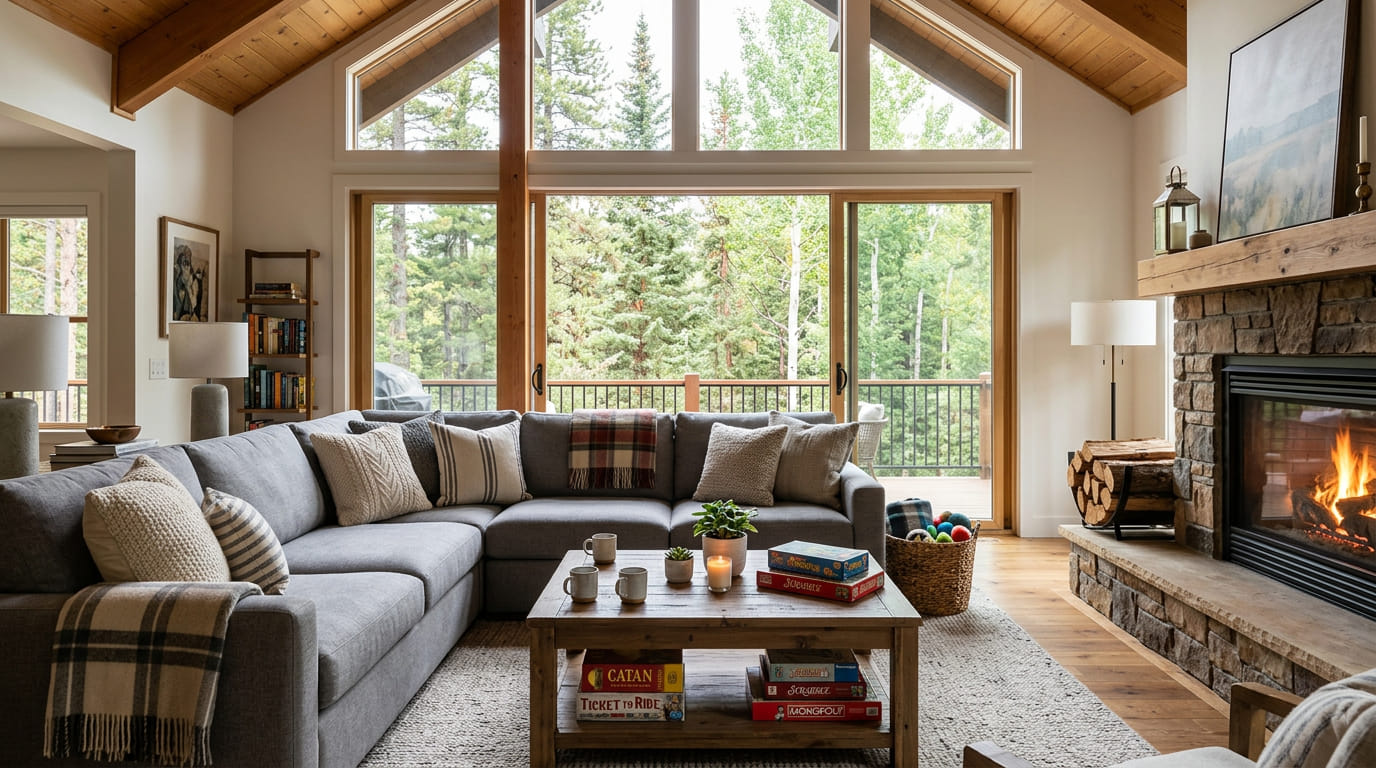
This is the single highest-impact change you can make. VRBO is a visual platform. Guests scroll through dozens of listings. The one with crisp, bright, professional photos wins the click.
What VRBO Guests Want to See
- Every room — Bedrooms, bathrooms, kitchen, living room, dining area
- Outdoor spaces — Deck, yard, fire pit, hot tub, pool, views
- Amenities — Game room, workspace, washer/dryer, coffee setup
- The experience — A set dining table, styled bed, cozy fire
Photo Tips for VRBO
- Aim for 25–35 high-quality photos
- Lead with your most impressive exterior or interior shot
- VRBO displays photos in a straight scroll — no room tagging. Every photo needs to earn its spot.
- Prep your space before the shoot for the best results
Professional photos don’t just look better. They signal to guests that you take your property seriously, which builds trust and drives bookings.
2. Earn Premier Host Status
VRBO’s Premier Host program is similar to Airbnb’s Superhost. It gives you a badge on your listing and a boost in search results.
Requirements (as of 2026)
- Maintain a 4.3+ overall rating
- Have at least 3 completed stays in the past year
- Respond to 90%+ of inquiries within 24 hours
- Have a low cancellation rate
- Accept a high percentage of booking requests
Why It Matters
Premier Host listings get better placement in search results. The badge builds guest trust. And VRBO’s data shows Premier Hosts get significantly more bookings than non-Premier Hosts.
If you’re close to qualifying, focus on response time and review scores. Those are the easiest to improve.
3. Enable Instant Book
Instant Book lets guests reserve without waiting for host approval. VRBO’s algorithm favors Instant Book listings because they create a better guest experience.
Many VRBO hosts hesitate to turn it on. They want to screen guests first. But the ranking boost and conversion increase usually outweigh the risk. You can still set guest requirements (verified ID, positive reviews) to filter who can book.
4. Optimize Your Pricing
Overpriced listings don’t just get fewer bookings. They get fewer views. VRBO’s algorithm considers pricing competitiveness when ranking search results.
Pricing Strategies
- Research your market — Check comparable listings in your area. What are they charging per night?
- Use dynamic pricing — Tools like PriceLabs, Wheelhouse, or Beyond Pricing adjust your rate based on demand, seasonality, local events, and competition.
- Adjust for seasonality — In NEPA, peak season (fall foliage, hunting) commands 30–50% higher rates. Slow season (Jan–March) needs discounts to stay booked.
- Set weekly and monthly discounts — VRBO’s audience books longer stays. A 10–15% weekly discount can fill gaps.
- Don’t overprice the cleaning fee — High cleaning fees turn off VRBO guests, who see it as a separate line item at checkout.
5. Write a Description That Speaks to Families
VRBO’s audience skews toward families and groups planning vacation stays. Your description should speak directly to them.
What to Highlight
- Space for kids to play (yard, game room, bunk beds)
- Privacy — “whole home, no shared spaces”
- Nearby family activities (parks, lakes, trails, attractions)
- Kitchen and dining setup for group meals
- Safety features (fenced yard, baby-friendly if applicable)
- Pet-friendliness (if you allow it)
See How to Write an Airbnb Listing Description for the full framework — the principles apply to VRBO too.
6. Tag Every Amenity Accurately
VRBO lets guests filter by amenities. If your property has a hot tub, fire pit, or pet-friendly policy but it’s not tagged, you’re invisible to guests searching for those features.
Commonly Missed Amenity Tags
- Hot tub / heated pool
- Fire pit
- Pet-friendly
- Washer/dryer
- Dishwasher
- WiFi (with speed noted)
- Workspace
- EV charger
- Grill / outdoor kitchen
- Game room / board games
- Waterfront or water access
- Hiking nearby
Go through VRBO’s full amenity list and check every box that applies. Missing even one popular filter can cost you bookings.
7. Respond Fast — Within 1 Hour
Response time is one of the biggest algorithm factors on VRBO. Hosts who respond within 1 hour rank higher and get Premier Host credit.
How to Respond Faster
- Turn on VRBO push notifications on your phone
- Use saved message templates for common questions
- If you use a channel manager, set up auto-replies for initial inquiries
- Even a quick “Thanks for reaching out! Let me check on that for you” counts as a response
8. Get More (and Better) Reviews
Reviews are social proof. They’re also a ranking factor. More high-quality reviews = higher search placement.
How to Get More Reviews
- Send a friendly check-out message thanking the guest and mentioning that a review would be appreciated
- Make the stay memorable — small touches earn reviews (welcome basket, local guidebook, clean and comfortable space)
- Follow up 1–2 days after checkout if no review has been left
- Address any issues during the stay before they become negative reviews
How to Handle Bad Reviews
- Respond calmly and professionally. Future guests read your responses.
- Acknowledge the issue, explain what you’ve fixed, and invite them back.
- One bad review among many good ones won’t sink you. A pattern will.
9. Keep Your Calendar Current
A stale calendar signals to VRBO that you’re not an active host. Update your calendar regularly:
- Block dates you know are unavailable
- Sync with Airbnb and any other platforms (use a channel manager)
- Update seasonal pricing every quarter
- Open dates as far in advance as possible — VRBO guests often book months ahead
10. Use VRBO’s MarketMaker Tool
VRBO offers a MarketMaker tool that shows you how your pricing compares to similar listings in your area. It also suggests rate adjustments based on demand.
It’s free for hosts and surprisingly useful. Check it monthly to make sure you’re not leaving money on the table or pricing yourself out of results.
Frequently Asked Questions
How do I get more bookings on VRBO? Upgrade your photos, respond within 1 hour, enable Instant Book, price competitively, earn Premier Host status, and get strong reviews. Tag all amenities accurately and keep your calendar updated.
What is VRBO Premier Host? Premier Host is VRBO’s loyalty program for top hosts. It requires a 4.3+ rating, fast response times, low cancellation rates, and at least 3 stays per year. Premier Hosts get a badge and a search ranking boost.
Does Instant Book help on VRBO? Yes. VRBO’s algorithm favors Instant Book listings. It also improves conversion since guests can book immediately without waiting for approval.
How do I rank higher on VRBO search? Response time, review scores, photo quality, pricing competitiveness, Premier Host status, and calendar accuracy all affect your VRBO search ranking. Professional photos and fast responses are the easiest wins.
Should I use dynamic pricing on VRBO? Yes. Dynamic pricing tools adjust your rate based on demand, seasonality, and competition. They help you stay competitive in search while maximizing revenue during peak periods.
Conclusion: Your Next Steps
VRBO rewards hosts who are responsive, well-priced, and well-photographed. Most of these optimizations are free and take less than an hour.
What to do next:
- Audit your photos — Are they professional? Do you have 25+? Upgrade them if needed.
- Check your response time — Aim for under 1 hour consistently.
- Enable Instant Book — The ranking boost is worth it.
- Tag every amenity — Go through VRBO’s full list. Don’t miss popular filters.
- Review your pricing — Use MarketMaker or a dynamic pricing tool to stay competitive.
- Aim for Premier Host — The badge and ranking boost compound over time.
Want photos that get your VRBO listing booked? We photograph vacation rentals across Northeastern Pennsylvania. Book your shoot today.